Monday is the home office. Tuesday and Wednesday are hot desk days at a coworking space. Thursday is back home, but the desk is occupied, so you spend hours sitting on the couch balancing a laptop on your knees. By Friday, your neck has an opinion about your week, and it’s not a kind one.
This is the ergonomic reality for most flexible workers: the workspace changes constantly, but the body absorbing the consequences doesn’t. Traditional ergonomics advice assumes you have one desk, one chair, and an employer who assessed both. But if you move between three or four setups in a typical week, that advice needs to travel with you.
One bad chair vs. a different bad chair every day
Office workers with a permanent setup risk developing musculoskeletal problems. Remote workers face the same risk, but multiplied. A 2025 study of 1,064 computer workers published in the Journal of Occupational and Environmental Medicine found that “working from home compared to office-only work showed a trend of increasing pain. Longer remote working hours and poorer workstation setups also increased the risks for pain.”
It’s worth mentioning that study only accounted for home setups; it didn’t include the many improvised setups that come with flexible working, like the café table that’s four inches too low or the airport lounge where you spent two hours hunched over a laptop on your lap. That said, the challenge is not to have one desk and one chair, and it’s not perfect posture, either: it’s making any surface you find yourself working on workable. And for that, you must build a set of habits and carry a few pieces of gear.
The one adjustment that fixes the most
Looking down at a laptop is the single most common cause of neck pain among computer users. The screen sits too low, your head tilts forward, and the muscles along the back of your neck spend the entire day holding up roughly five kilograms of skull at an angle they weren’t designed for. Do that for a few months, and the stiffness becomes debilitating.
A portable laptop stand fixes this in seconds. It raises the screen to roughly eye level, which brings your head back over your shoulders where it belongs. The catch is that once the screen is elevated, you can’t comfortably use the built-in keyboard, so you’ll need a compact external keyboard and mouse, as well. That combination, stand plus keyboard plus mouse, is the foundation of any ergonomic setup for a hybrid worker and should be used wherever you happen to be working.
Quick fixes for furniture you didn’t choose
While you can’t always control the chair, you can adjust how you sit in it. So:
- If the chair is too low: your knees sit higher than your hips, which tilts your pelvis backward and flattens the natural curve in your lower back. If you can raise the seat, do it until your thighs are roughly parallel to the floor. If you can’t, sit on a folded jacket or a firm cushion to add height.
- If the chair has no lumbar support: roll up a sweater, a towel, or a jacket and place it in the small of your back. A portable lumbar cushion does the same thing more consistently. The goal is to maintain a slight inward curve in your lower back rather than rounding into a C-shape, which is what most flat-backed chairs encourage.
- If the desk is too high: raise your chair (or your seat cushion) until your elbows sit at roughly 90 degrees when your hands are on the keyboard. If that means your feet no longer reach the floor, use a bag, a box, or a footrest to support them. Dangling feet create tension through the thighs and lower back that builds over hours.
Your portable ergonomics kit
Here’s the gear that fits in a laptop bag and transforms any surface into a functional workspace:
- Laptop stand: raises your screen to eye level. Non-negotiable.
- Compact external keyboard: lets you type at desk height while the screen sits higher.
- Travel mouse or ergonomic vertical mouse: reduces wrist strain from the trackpad.
- Lumbar support cushion: gives any flat-backed chair a lower-back curve.
The best posture is your next posture
No matter how well you sit and how well supported your back is, the body is still built for movement. So, if you have the option to vary between sitting and standing, do it. Take a walk at lunch. Stand up during a phone call. Move to a lounge chair for 20 minutes of reading, then back to a desk for focused typing. The variation itself is preventative.
Coworking spaces are well suited for this. The variety of zones within a single building (desks, lounges, phone booths, standing-height tables, outdoor terraces, common areas) naturally encourages the change in posture that ergonomists recommend. You move between settings because the work changes, and your body benefits from the shift.
What a well-designed coworking space already provides
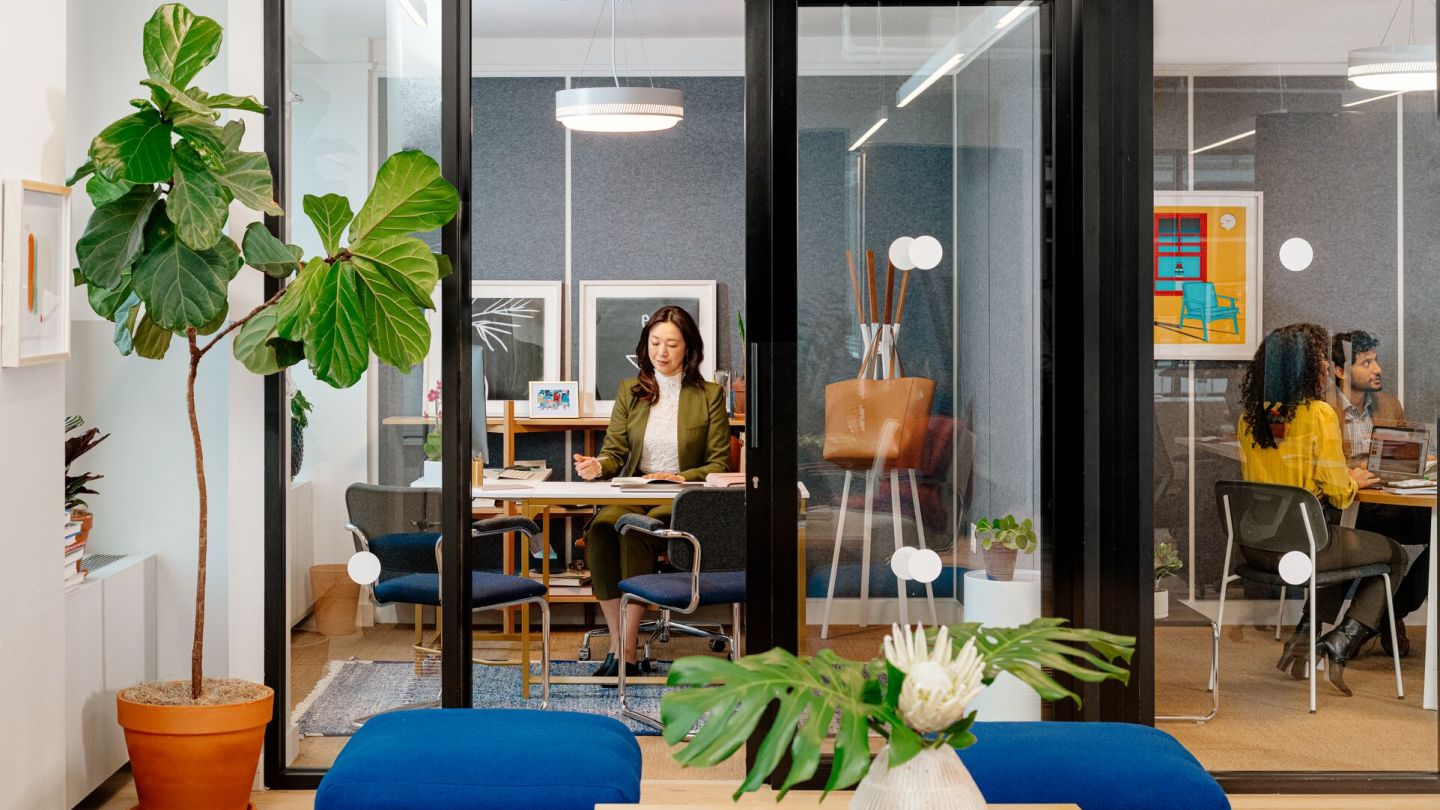
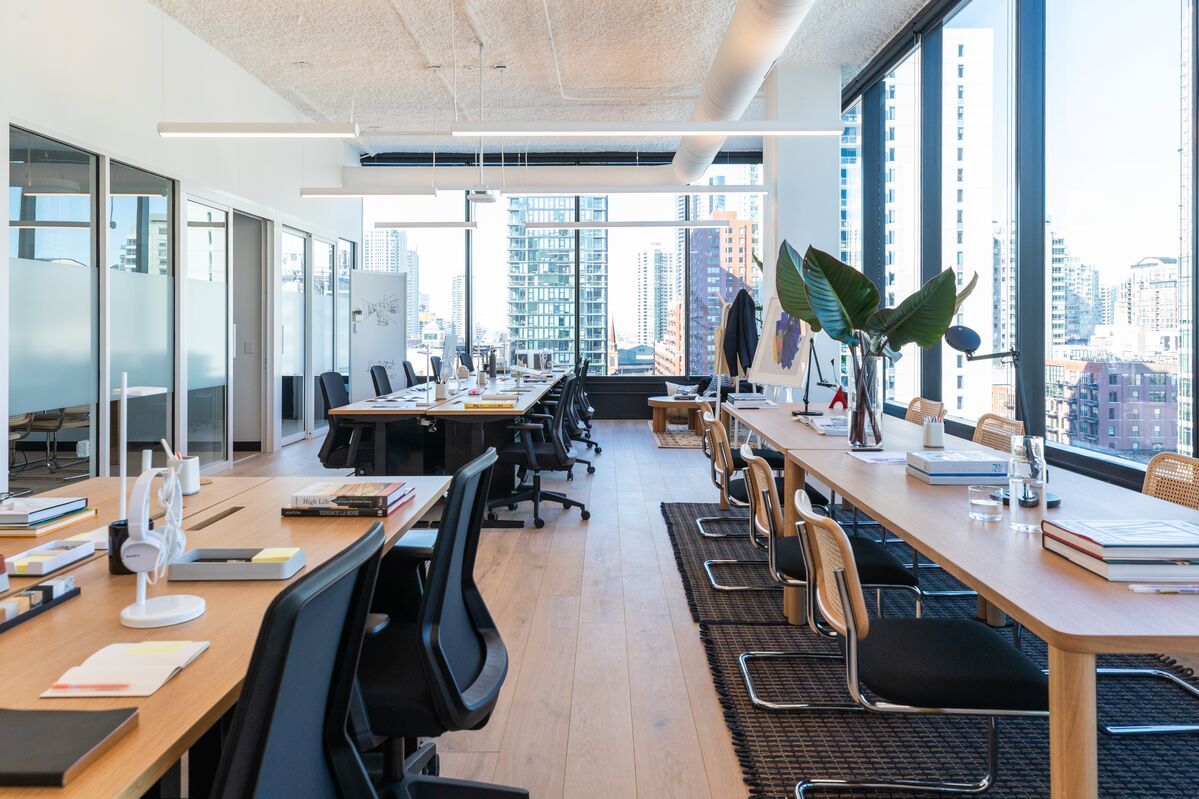
Working from an intentionally designed coworking space means many of these ergonomics problems are already solved. WeWork locations have adjustable office chairs that include lumbar support, desks set to standard ergonomic heights, and a variety of additional settings: standing-height tables for calls, lounge seating for informal work, phone booths for posture-changing breaks, and, in select locations, outdoor terraces for the movement variation your body needs throughout the day.
If your current rotation includes a kitchen table, a café, and a couch, swapping one or two of those days for a coworking space with proper furniture is one of the highest-impact ergonomic changes you can make. Start here.